Using a Security Camera as a Baby Monitor? Read This First
A security camera can watch a nursery, but five real gaps separate it from a dedicated baby monitor. What breaks, what works, and when the cam is enough.
By the Ask Versa AI Editorial Team. Ask Versa AI content is AI-assisted and editorially reviewed before publishing; specs and review sentiment are pulled live from Amazon.
The argument for using a security camera as a baby monitor is genuinely strong: you may already own one, it streams to your phone, it has night vision, and when the baby stage ends, it becomes a camera again. On r/EufyCam, one parent summarized the wins: "I used a standard indoor security cam as a baby monitor, had no issues, and I could use it for something else after."
The argument against is equally real, and it's not about fear. A camera and a nursery monitor are shaped by different jobs, and the mismatch shows up in specific, predictable places. Here are the five that matter, and the verdict depends entirely on which of them apply to your house.
Gap one: audio is a first-class citizen on a monitor, an afterthought on a camera
Parents spend most of the night listening, not watching. A dedicated monitor keeps an open audio channel to the parent unit; you hear the pre-cry rustle and decide whether to get up. Security cameras are built event-driven: something moves, the app buzzes, you tap through and watch a clip. A phone-as-receiver workflow means sound arrives as notifications, which is a different thing from ambient listening, especially if your phone is charging across the room.
Gap two: recording, and what recording means in a child's room
Here's the split nobody expects until they hit it. On r/EufyCam, a parent shopping for exactly this use case noted the wall in both directions: "The camera needs to record video and the baby monitor eufy offers doesn't." Dedicated nursery monitors generally don't record at all; the feed is live and then gone. Security cameras record everything, often to cloud storage, which is ideal for package thieves and a genuine privacy consideration for a child's bedroom. Whether recording is a feature or a liability in the nursery is a values question, but it should be a conscious decision, not a side effect of reusing a cam.
Gap three: alerts tuned for a nursery versus alerts tuned for intruders
Camera motion alerts fire on movement. That works for a hallway. A crib produces different events: grunting, rolling, a leg through the rails, the beginning of a cry. Monitor makers tune their detection and their parent-unit audio for those. Safer For Baby's review of the Ring Stick Up Cam as a baby monitor workaround noted users leaning on the app, which sits at a mediocre rating across tens of thousands of iOS reviews. Notification fatigue at 4am is a real failure mode, and it's the one camera makers rarely optimize for.
Gap four: the night-light problem
Many security cameras use bright infrared illuminators for darkness. In a dark nursery, that can mean a visible red glow or a spotlight effect shining into a crib all night. Baby monitor cameras are engineered to stay dark, because their designers assume an occupant who is trying to sleep. Check any camera's owner feedback for "glow" or "red light" complaints before pointing one at a crib.
Gap five: there is no parent unit
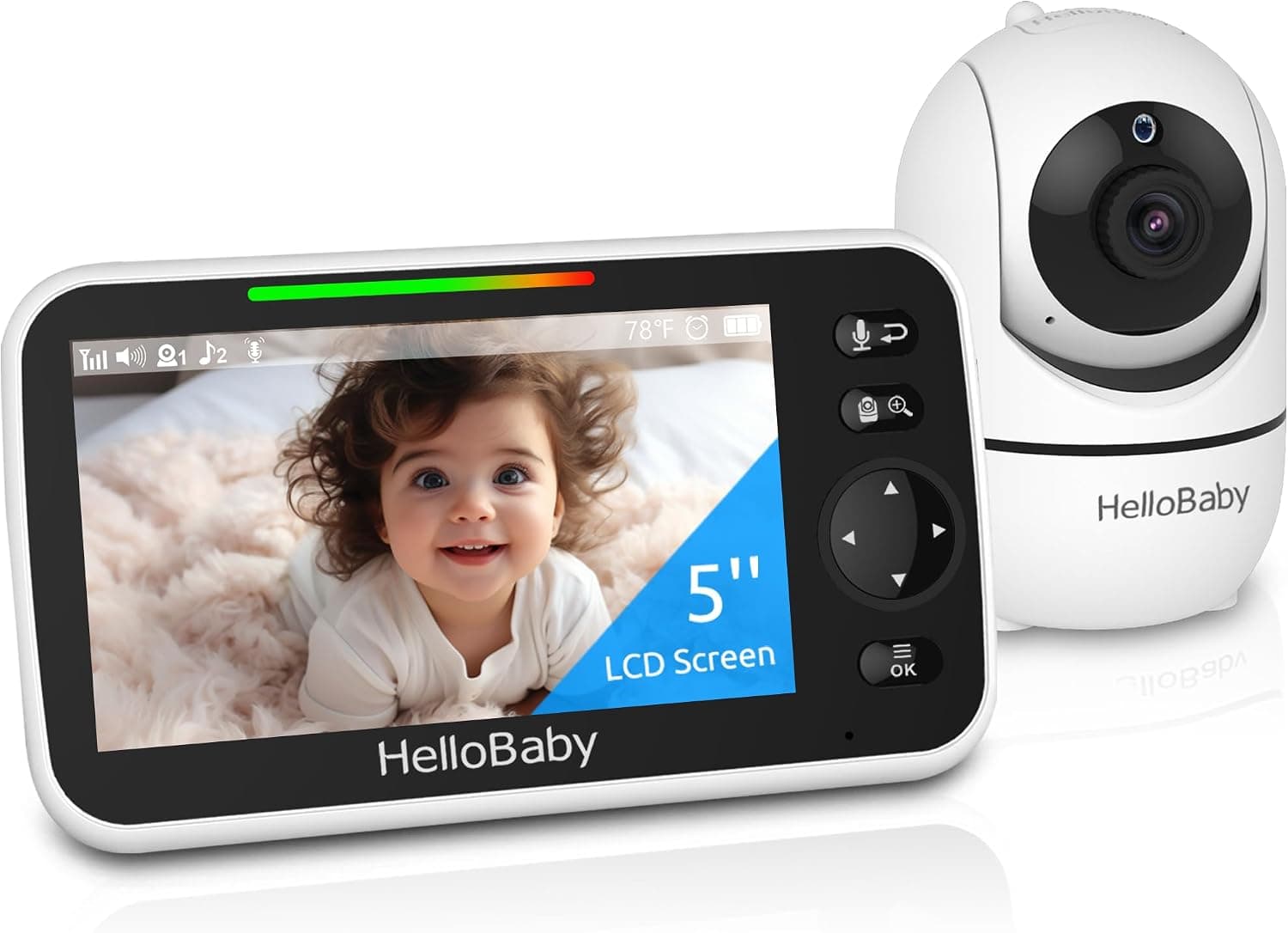
The physical monitor you set on the nightstand does one thing for the whole night: show and sound the nursery. The camera substitute for that is your phone, with its notifications, its battery, and its do-not-disturb schedule fighting the monitor's job. Some parents prefer the phone; many discover they've stopped keeping it nearby at night, which defeats the setup.
When the camera is genuinely the right call
None of this makes the camera a bad idea everywhere. It wins outright in a few cases:
For the everyday nursery, though, take the side the design evidence points to: a dedicated monitor, ideally a hybrid like the eufy E20 that covers the remote-check-in case on its own. The five gaps above are each small; together they're the difference between a device built for a sleeping baby and one built for a doorstep.
Frequently Asked Questions
Can I use a Ring camera as a baby monitor?
You can, and Safer For Baby's walkthrough shows the Stick Up Cam adapted for exactly that. What you get is app-based viewing and motion alerts. What you give up is a dedicated parent unit, ambient audio, and nursery-tuned alerts, and Ring's app reviews reflect how well that trade sits with heavy users.
Why don't baby monitors record video?
The product philosophy is live observation with minimal data retention: nothing stored means nothing to breach, export, or subpoena. Security cameras record because their threat model (theft, intrusion) needs evidence. A child's room is the one place many parents prefer the no-recording model.
Is a wifi security camera safe to put in a baby's room?
Physically, yes. For privacy, it carries the same exposure as any internet-connected camera: credential hygiene, firmware updates, and two-factor auth decide most of the risk. A non-wifi nursery monitor eliminates that surface entirely, which is why it remains the default recommendation for nightly use.
What's the cheapest way to get remote nursery view?
An inexpensive indoor wifi camera is the budget answer, and it works. The middle path is a hybrid monitor like the eufy E20, which keeps local radio at home and adds remote access when you actually leave the house.
Once you're down to two specific models, Versa AI can line up their specs and review sentiment in one pass.
Shop smarter with Ask Versa AI
Get occasional product-comparison tips and new features as they ship. No spam.